What is a trade-up contract in CS2?
In a trade-up contract you hand over ten skins of the same rarity and receive a skin of the next rarity tier up. Which one exactly comes out depends on the collections used and the Floatvalues of your ten items. So it is not pure gambling without rules — rarity, collection and float together determine the possible result and its probability.
Step by step
The process is the same for all contracts and can be practised on cheap skins.
- Choose ten skins the same rarity (z. B. alle Mil-Spec).
- Mind the collections — the output comes from them.
- Check the float of each input; the average sets the condition.
- Start the contract and verify the result in your history.
Trade-up calculator: estimating the odds correctly
Ein Trade-up calculator (also a “trade-up simulator”) saves you the hand calculation. You enter your ten input skins with their float values, and the tool shows the possible results, their probability as a percentage and the expected average float. So you see, before you commit, whether a contract is statistically worthwhile.
- Input: 10 skins of the same rarity + float.
- Berechnung: possible output per collection and its chance as a percentage.
- Output-Float: the average of the inputs sets the float of the result.
- Entscheidung: you compare the stake value and the expected value.
Rarities and their order
A trade-up always raises the skin by one tier. The rough order:
| Rarity | Colour | Trade-up output |
|---|---|---|
| Consumer | white | Industrial |
| Industrial | hellblau | Mil-Spec |
| Mil-Spec | blau | Restricted |
| Restricted | lila | Classified |
| Classified | pink | Covert |
Trade-up or upgrade — the difference
Both mechanics pursue the same goal but differ in route and control.
| Kriterium | Trade-up contract | Upgrade |
|---|---|---|
| Input | 10 skins of the same rarity | skin or balance, your choice |
| Result | a skin one tier higher | a freely chosen target skin |
| Steuerung | via collection & float | via multiplier & target choice |
| chance in advance | via the calculator | shown before you start |
The upgrade mechanic is explained on the Startseite, and opening cases in the Cases.
Example of a simple trade-up
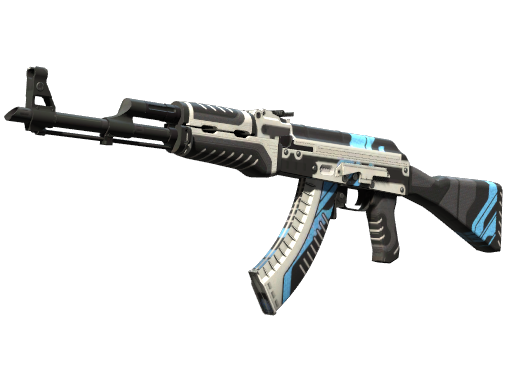
You use ten Mil-Spec skins (blue) from one collection. The contract produces a Restricted skin (purple) from the same or a mixed collection. If the average float is 0.15, the result lands more in the “Factory New”–“Minimal Wear” band. If you mix collections, the probability spreads across several outputs — the calculator shows each variant with a percentage.
Float and condition of the result
Float describes wear from 0 (new) to 1 (heavily used). In a trade-up the average of your ten inputs counts — the lower it is, the better the condition.
| Kategorie | Float-Bereich | Value |
|---|---|---|
| Factory New | 0.00 – 0.07 | highest |
| Minimal Wear | 0.07 – 0.15 | hoch |
| Field-Tested | 0.15 – 0.38 | mittel |
| Well-Worn / Battle-Scarred | 0.38 – 1.00 | niedriger |
Common beginner mistakes
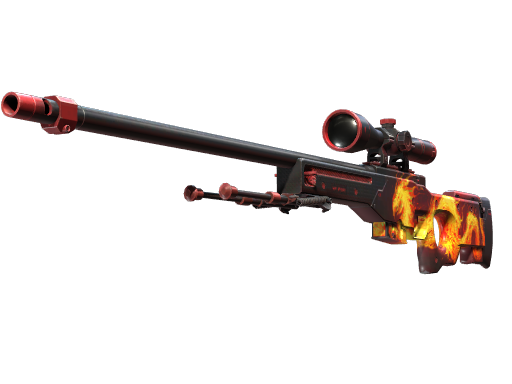
The most common mistake is mixing rarities — the contract needs ten skins of the same derselben tier. The second is ignoring collections: they are exactly what determines the possible output. The third is counting only on the most expensive result — the real expected value is the weighted average of all outputs.
Play mindfully
Trade-ups involve an element of chance. A calculator improves the estimate but guarantees nothing. Only stake what you are willing to lose, set yourself limits and treat it as entertainment. Strictly 18+. Help: BeGambleAware.org.